Advertiser Disclosure
We independently review everything we recommend. When you buy through our links, we may earn a commission.
The Best VPNs for Paramount Plus
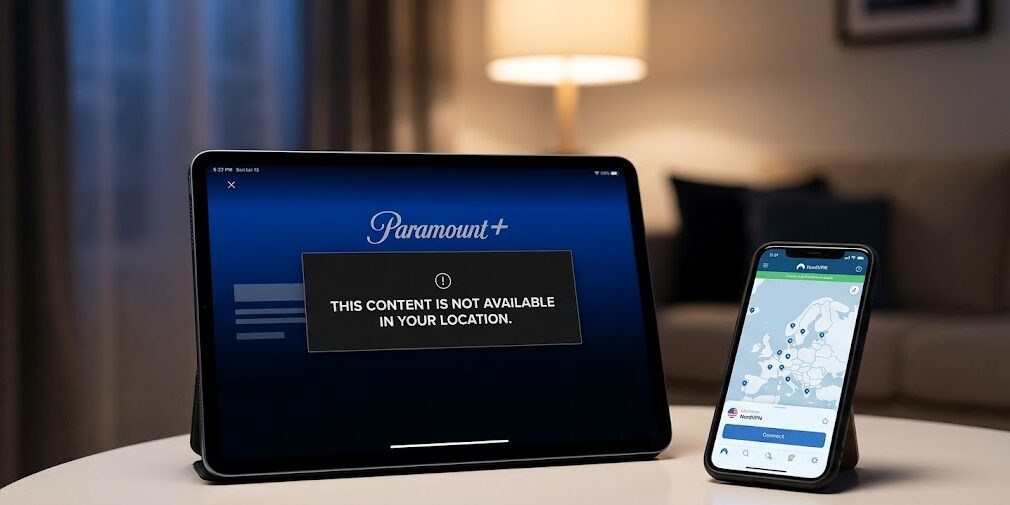
Paramount+ is geo-restricted because of licensing deals. What you can watch depends on where you are, so the same account can show a very different catalog in the US, the UK, or Australia.
A VPN swaps your IP address for one in another country, so the service thinks you’re sitting there. Travel to Europe and still want your US shows and live sports? Connect to a US server, and you’re back home as far as Paramount+ is concerned.
The catch: Paramount+ is good at spotting VPN IP addresses. That’s why free VPNs usually fail and why cheap, overcrowded services get blocked within days. You need a provider that keeps rotating fresh IPs.
Quick Verdict: Which VPN Should You Pick?
- Best overall for Paramount Plus: NordVPN. Faster, more consistent, and more reliable on long-distance connections.
- Best for big households and tight budgets: Surfshark. Unlimited devices and a lower long-term price.
If you only want one answer, take NordVPN. If you’re streaming on a pile of devices across a family, Surfshark earns its spot. Details below.
Here’s the thing about streaming VPNs: the first connection usually works. The tenth is where you find out if a provider is any good. NordVPN is the one that kept working for us and for the testers we cross-checked.
Independent reviewers reported that NordVPN got into the US Paramount+ library across multiple US servers, not just one lucky location. That matters because when one server gets blocked, you simply hop to another instead of giving up on movie night.
Why it wins:
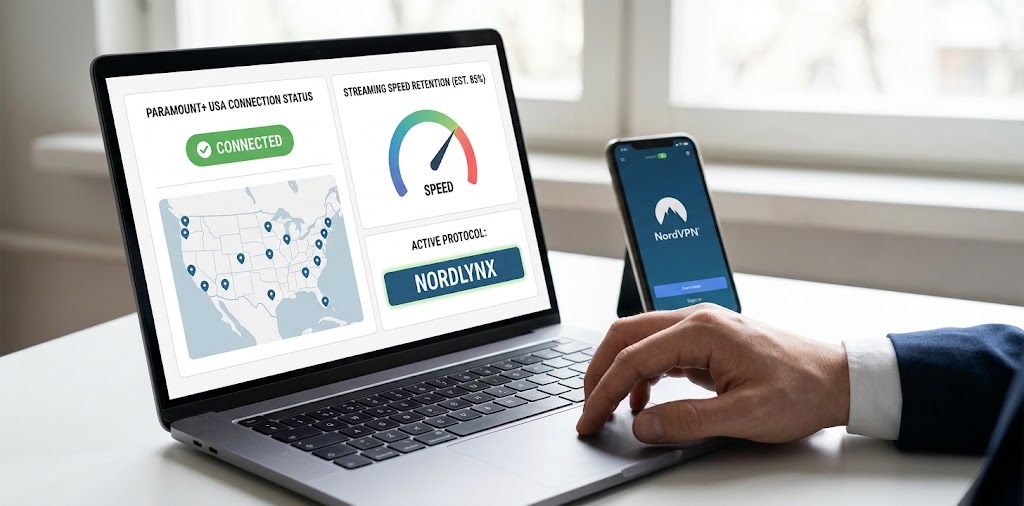
- Speed on long hops. Streaming from Europe to a US server is where weaker VPNs stumble. NordVPN’s NordLynx protocol keeps the slowdown small, so HD (and often 4K) streams stay smooth rather than stalling every few minutes.
- Wide coverage. NordVPN has servers in the countries where Paramount+ operates, so it’s also a smart pick if you’re traveling and want your home library.
- Works beyond Paramount+. It also handles other services that tend to block VPNs, which means one subscription covers the rest of your streaming apps.
- Smart TV help. NordVPN’s SmartPlay feature is designed to make streaming on supported devices easier without fiddly DNS setup.
The tradeoff: NordVPN allows 10 simultaneous devices. That’s plenty for most people, but a big household could hit the limit. It also tends to cost a bit more than Surfshark, though even the cheapest plan handled streaming fine in third-party tests, so you don’t need to splurge on a higher tier just for Paramount+.
Who should buy it: Anyone who wants the most reliable access and the least troubleshooting. If you’re asking “which one should I just buy?”, this is it.

Surfshark takes a different angle. It won’t beat NordVPN on every speed test, but it makes up for it where your wallet and your living room are concerned.
Third-party testing also confirmed Surfshark unlocks Paramount+ with steady streaming quality, and one reviewer noted it has US servers in 15 cities. That gives you plenty of backup options if one gets flagged.
Why it’s worth considering:
- Unlimited devices. Phones, tablets, the living-room TV, your partner’s laptop, the kids’ consoles. One subscription, no counting. For families, that alone can settle the debate.
- Lower price. Long-term plans typically start cheaper than NordVPN’s. Prices change often, so check the current deal before you buy.
- Streaming-friendly across regions. It’s a good option for catching Paramount+ in the UK and Europe, and it works with other big services too.
- Extra privacy tools. Features like MultiHop and an antivirus add-on come in handy once you want more than just streaming.
The tradeoff: Surfshark’s server network is smaller, and some reviewers noticed slight speed dips on far-away servers. In practice, that means you might switch servers once or twice to find the fastest one.
Who should buy it: Big households, bargain hunters, and anyone who’d rather pay less and tolerate the occasional server swap.

Paramount Plus VPN FAQs
Does Paramount Plus work with a VPN?
Sometimes. Paramount+ blocks many VPN IPs, so results depend on your provider. NordVPN and Surfshark both passed recent 2026 tests.
Can I watch Paramount Plus with a free VPN?
We wouldn’t bet on it. Free VPNs share a few overcrowded servers that Paramount+ flags quickly, and many cap your speed or data. You’ll likely waste more time than you save.
Is using a VPN with Paramount Plus legal?
VPNs are legal in most countries, but streaming services can restrict their use in their terms. Check Paramount+’s terms and your local rules before you connect.
Why is Paramount Plus not working with my VPN?
Start with a different server in the same country. Then clear your browser cookies and cache, since they can store your real location. Still stuck? Update the VPN app and try again.
What’s the best server location?
For the biggest catalog, pick a US server. The US library is extensive, and the platform tends to cause fewer problems there.
Can I try before I commit?
Both providers offer a 30-day money-back guarantee, so you can test them on Paramount+ with little risk. Do that test on your own device and connection, because results vary by country.
Quick Tips for a Smoother Paramount Plus Stream
- Connect first, then open the app. Starting the VPN after you launch Paramount+ can leave your real location cached.
- Clear cookies and cache if you see a location error.
- Switch servers instead of retrying the same one repeatedly.
- Use a wired connection or strong Wi-Fi. A VPN adds a little overhead, so a weak signal makes buffering worse.
- Keep your VPN app updated. Providers patch streaming fixes in app updates, so a stale version can fall behind.
Final Thoughts: Pick One and Start Streaming
If you’re tired of location errors, the answer is simple. NordVPN is the best VPN for Paramount Plus because it keeps working when other services slow down, get blocked, or need constant babysitting. Surfshark is the smarter buy if you’ve got a houseful of devices and a smaller budget.
Either way, you get a 30-day window to test it risk-free. Pick one, connect to a US server, and get back to the show you actually wanted to watch.
Prices, server counts, and streaming performance change often. Check each provider’s site for current details before you buy.